Free / Pro

Basic connection is Free. Repeated use expands with Pro.

Free can still connect one PC and one Android device for basic mouse movement and typing. Pro removes ads, transfer limits, device switching limits, and advanced input limits.

Free

Basic use

Use one PC and one Android device for the basic input flow.

Includes ads
  • Bottom banner ads
  • One default PC
  • Manual clipboard transfer: 10 per day, 500 characters
  • File transfer: 5 files per day, 10 MB per file, one at a time
  • Basic typing, limited Ctrl/Alt combinations
Pro

Unlock limits

Remove limits that affect repeated daily use.

Google Play in-app purchase
  • No ads
  • Save and switch multiple PCs
  • Automatic clipboard sync
  • Unlimited clipboard and file transfer
  • Ctrl/Alt combinations and advanced shortcuts

Compare

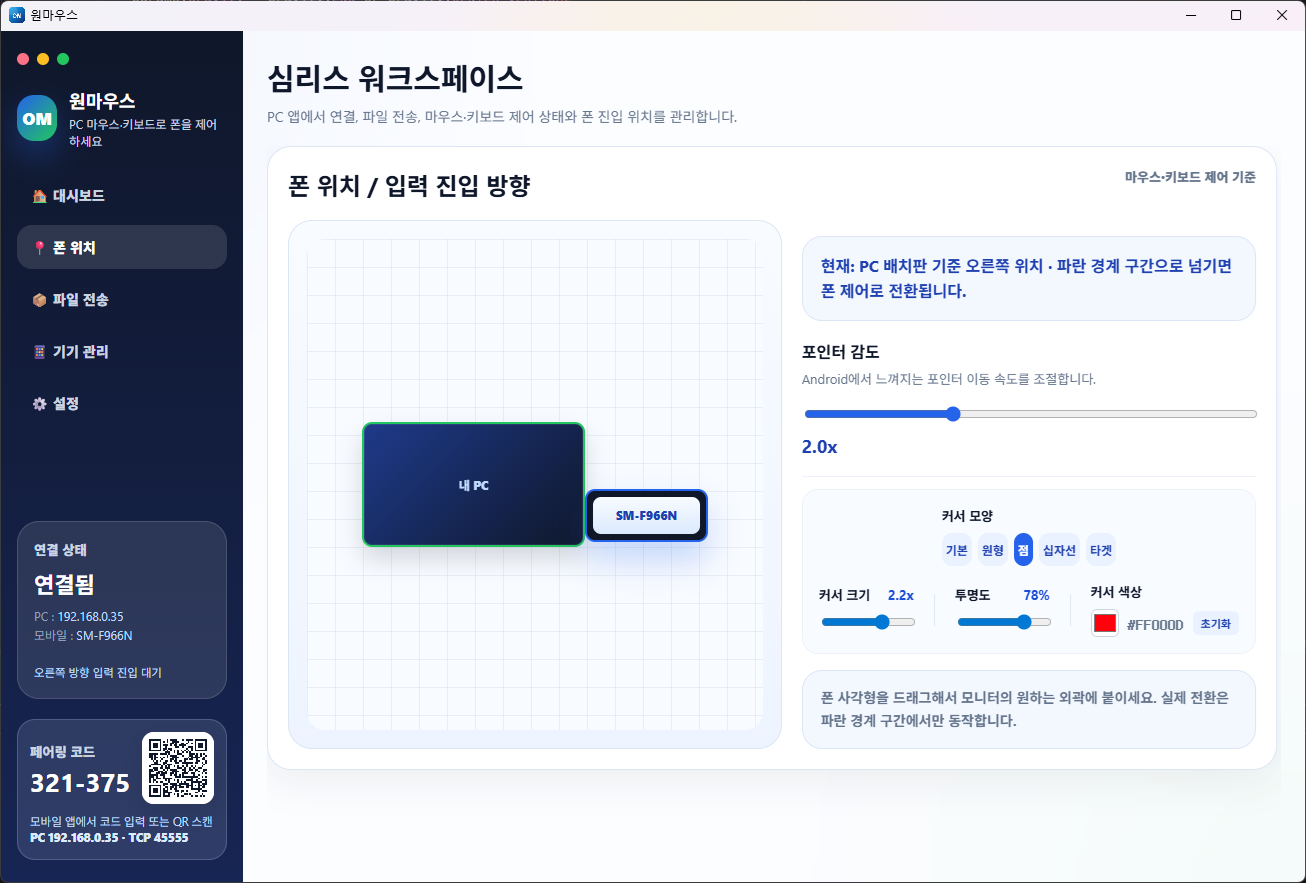
Phone placement is available in both Free and Pro.

Current limits are focused on ads, saved PCs, clipboard, advanced keyboard input, and file transfer.

Feature Free Pro
Mouse control 1 PC + 1 Android basic control Multiple PCs and advanced control
Ads Bottom banner No ads
Devices One default PC Save and switch multiple PCs
Clipboard Manual transfer, 10 per day, 500 characters Unlimited, automatic sync
Keyboard Basic typing, limited advanced combinations Unlimited keyboard and shortcut input
File transfer 5 files per day, 10 MB each, one at a time Unlimited, large and multiple files
Phone placement No limit No limit

Billing

Purchases are handled in the Android app.

The PC app and website explain the difference between Free and Pro. Purchase and restore are handled by Google Play Billing inside the Android app.

  • Product ID: mouselink_pro_lifetime
  • Product type: one-time in-app product
  • Free mode ads use Google Mobile Ads SDK.
PC screen for Android placement around the monitor
Phone placement is available in both Free and Pro.